How to Download Your Pwani University KUCCPS Admission Letter for the 2026/2027 Academic Year

Congratulations! If you have been successfully placed at Pwani University through the Kenya Universities and Colleges Central Placement Service (KUCCPS) for the 2026/2027 academic year, your next important step is downloading your official admission letter.
The admission letter contains your admission details, reporting instructions, registration requirements, and other important documents you will need before reporting to the university.
Pwani University has made the process simple through its online admission letter portal. (admissionletters.pu.ac.ke)
Pwani University Admission Letter Portal
Students can download their admission letters from the official Pwani University admission portal:
Pwani University Admission Letter Portal
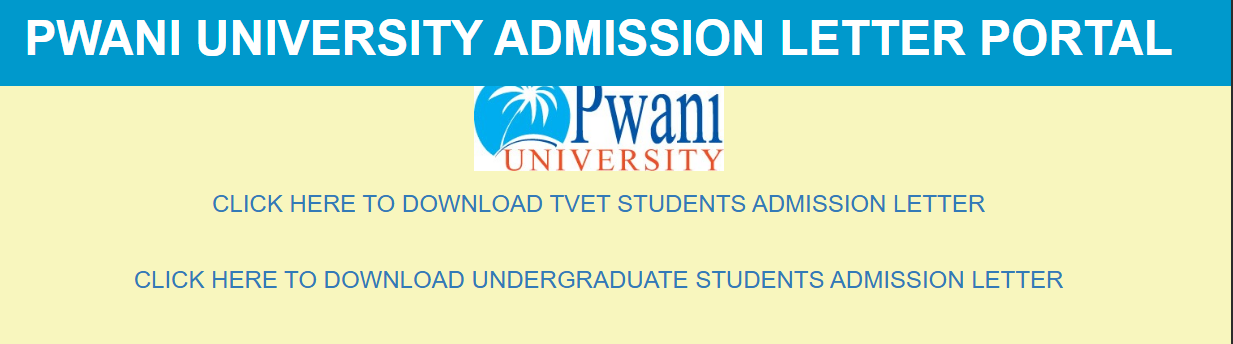
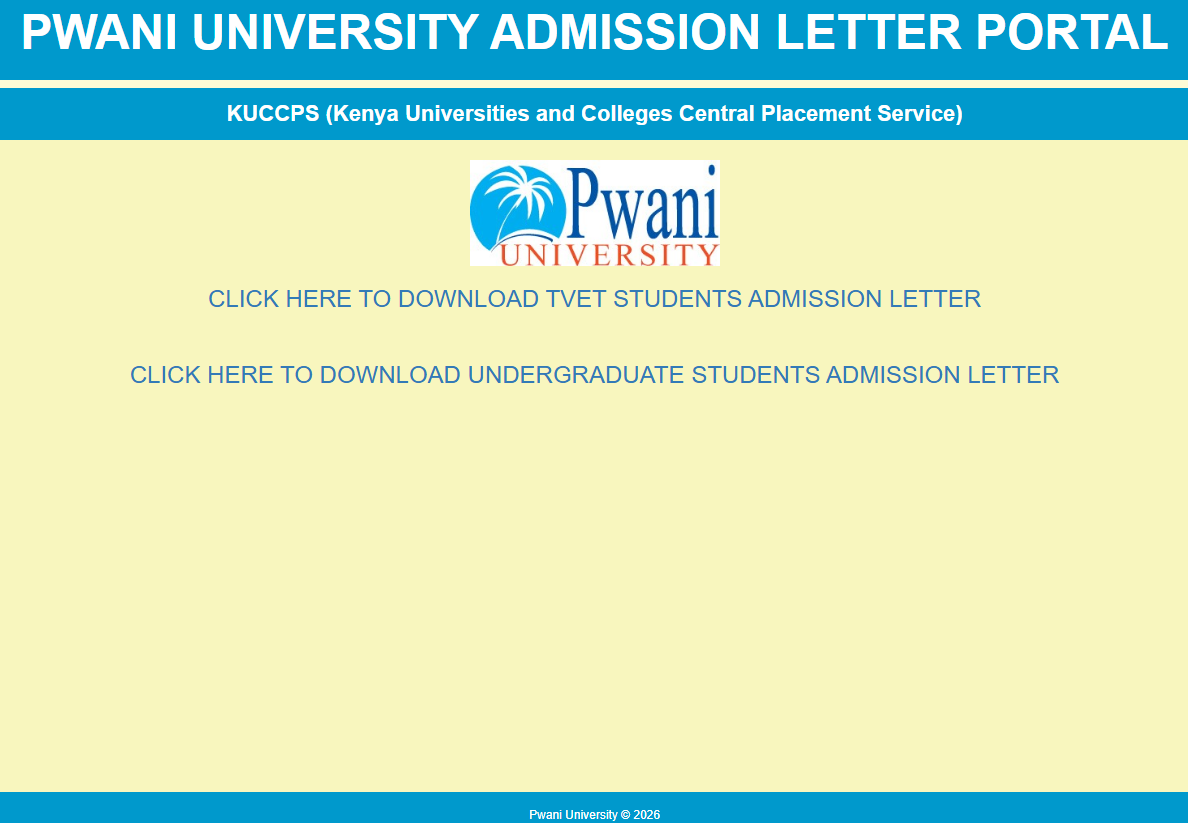
The portal provides separate sections for:
- Undergraduate Students (KUCCPS)
- TVET Students
Requirements Before Downloading Your Admission Letter
Before visiting the portal, ensure you have:
- Your KCSE Index Number
- Your KCSE Examination Year
- A smartphone, tablet, or computer with internet access
- A PDF reader for opening the downloaded admission letter
How to Download Undergraduate Admission Letters
Follow these simple steps:
Step 1: Visit the Official Portal
Open:
Pwani University Admission Letter Portal
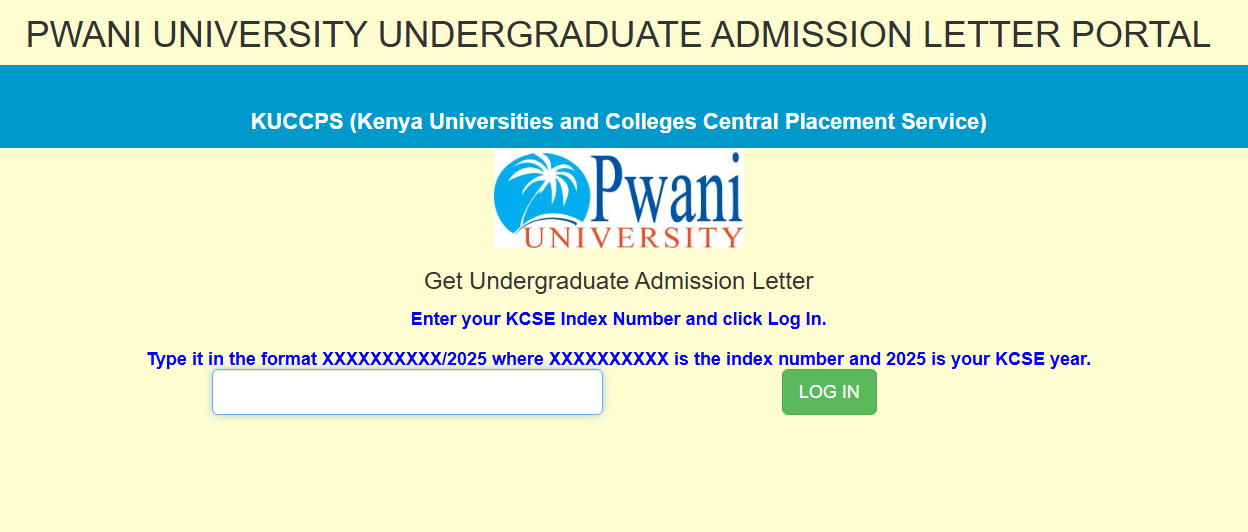
Click "Download Undergraduate Students Admission Letter."
Alternatively, you can access the undergraduate portal directly:
Undergraduate Admission Letter Portal
Step 2: Enter Your KCSE Index Number
Type your KCSE Index Number exactly as instructed.
The format is:
XXXXXXXXXXX/2025
Example:
12345678901/2025
(Replace 2025 with your KCSE examination year if applicable.) (admissionletters.pu.ac.ke)
Step 3: Click "Log In"
After entering your index number:
- Click LOG IN
- Wait for the system to verify your details.
Step 4: Download Your Admission Letter
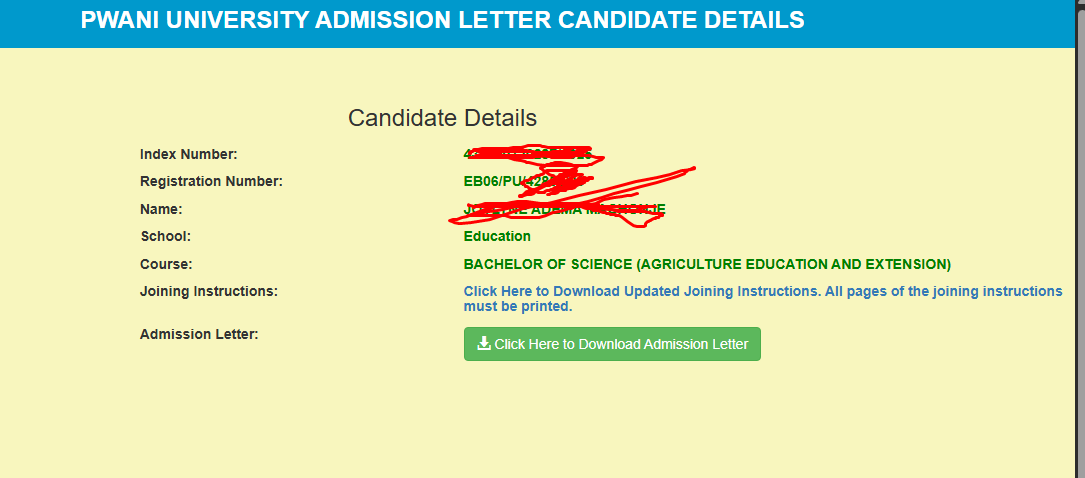
If your records are found, you will be able to:
- Download your Admission Letter
- Save it as a PDF
- Print a hard copy
How to Download TVET Admission Letters
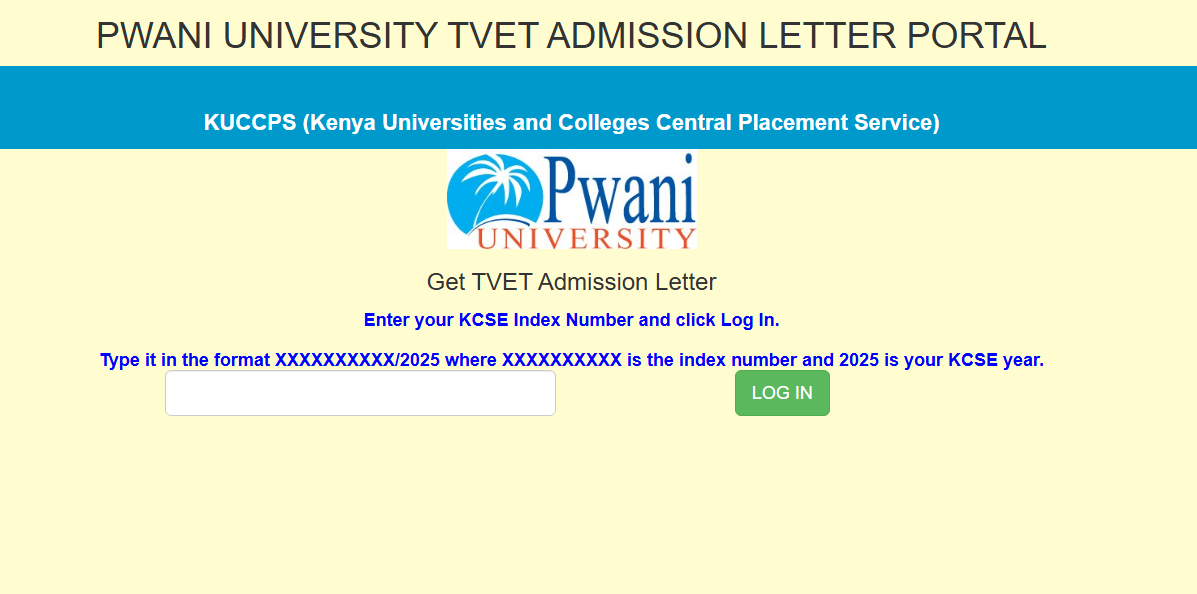
If you were admitted into a TVET programme at Pwani University:
- Visit the admission portal.
- Click Download TVET Students Admission Letter.
- Enter your KCSE Index Number.
- Click Log In.
- Download and print your admission letter. (admissionletters.pu.ac.ke)
Documents You Should Download
Besides your admission letter, you may also receive:
- Joining Instructions
- Registration Forms
- Medical Examination Form
- Fee Structure
- Student Information Forms
- Accommodation Information (if available)
These documents are important during reporting and registration. (Kenya Times)
What If the Portal Doesn't Find Your Details?
If you encounter issues:
- Confirm that you were placed at Pwani University through KUCCPS.
- Ensure your KCSE Index Number is entered in the correct format.
- Check that you are using the correct KCSE examination year.
- Wait a little longer if admission letters are still being uploaded.
- Contact the university admissions office if the problem persists. (KUCCPS)
Frequently Asked Questions (FAQs)
Can I download my admission letter using my phone?
Yes. The portal works on smartphones, tablets, and computers.
Is there any fee to download the admission letter?
No. Downloading your admission letter from the official Pwani University portal is free.
What if I forgot my KCSE Index Number?
You should retrieve it from your KCSE result slip or contact your former secondary school.
Can I download my admission letter more than once?
Yes. You can log in and download it again whenever necessary.
Who issues the admission letter?
Admission letters are issued by the university where KUCCPS has placed you, not by KUCCPS itself. (KUCCPS)
==================================
Downloading your Pwani University admission letter is one of the first and most important steps after receiving your KUCCPS placement. Ensure you download all required documents, read the joining instructions carefully, and prepare all the necessary requirements before the reporting date.
Always use the official Pwani University Admission Letter Portal to access your admission documents and avoid unofficial websites.
Official Links
- 🎓 Pwani University Admission Portal: https://admissionletters.pu.ac.ke/
- 🎓 Undergraduate Admission Letters: Undergraduate Admission Portal
- 🎓 Pwani University Official Website: Pwani University