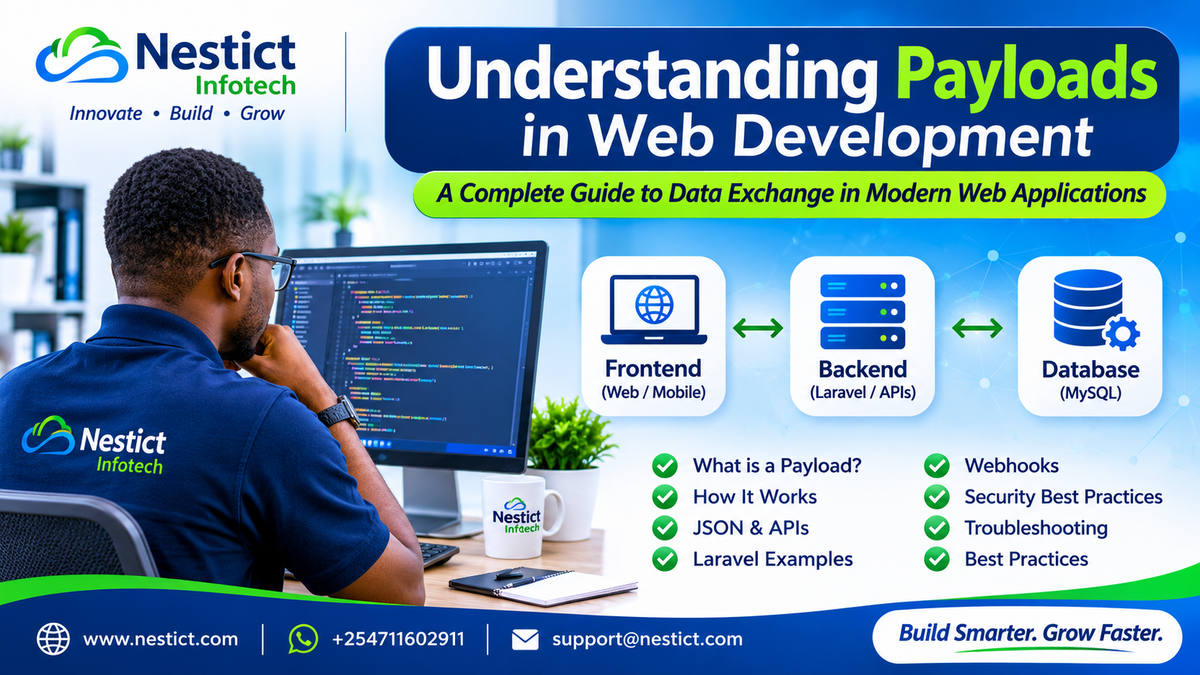
Understanding Payloads in Web Development: A Complete Guide to Data Exchange in Modern Web Applications

Introduction
Every time you log into a web application, register an account, submit a form, make a payment, upload a document, or communicate with an external API, data is moving between different components of the application.
But have you ever wondered what actually travels between your browser, web server, application logic, database, and external services?
The answer is DATA, and one of the most important concepts behind this data exchange is something developers call a PAYLOAD.
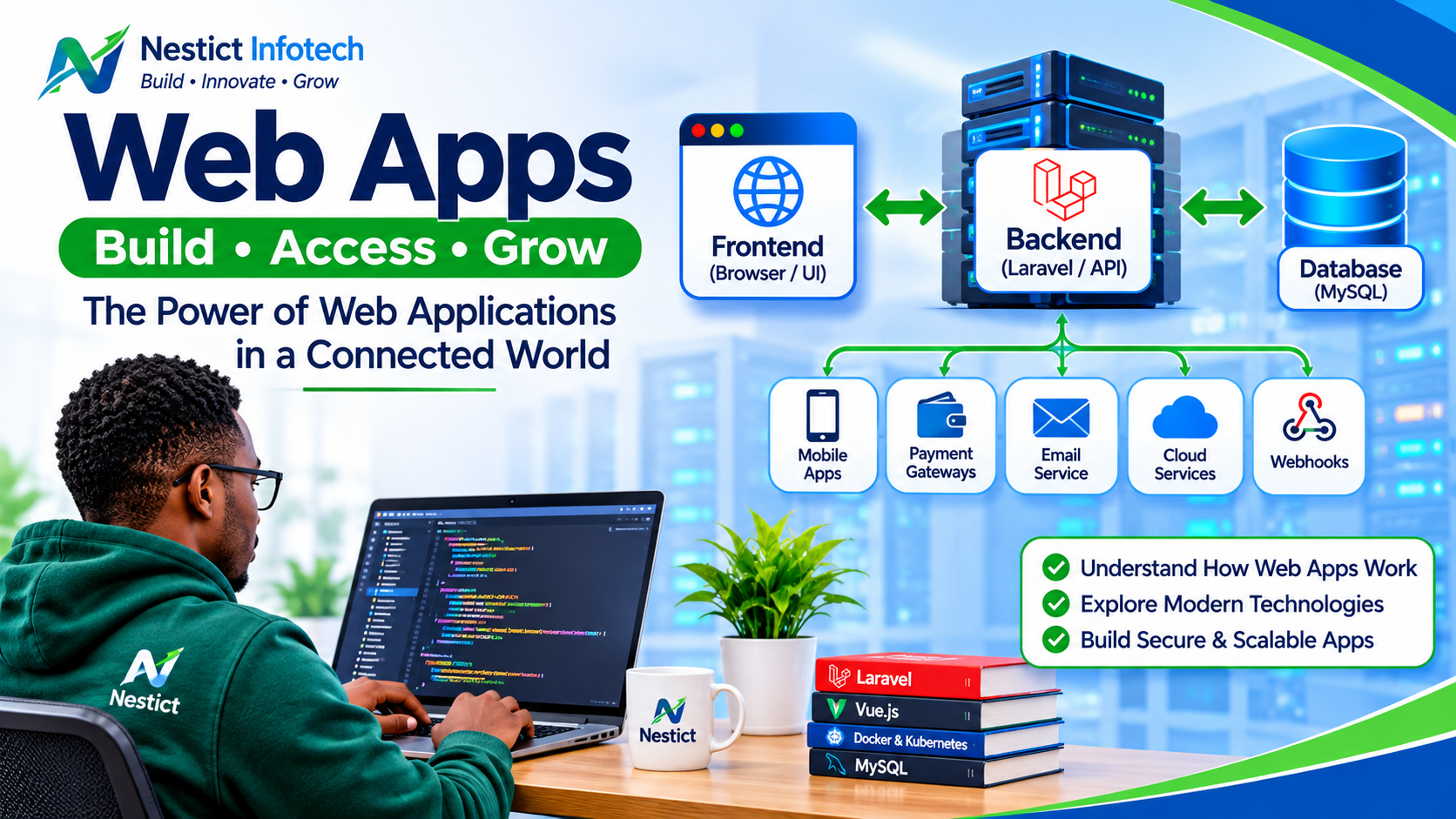
Whether you are developing a simple PHP website, a Laravel application, a Vue.js frontend, a React dashboard, a mobile application, an enterprise resource planning (ERP) system, or a financial platform, understanding payloads is fundamental.
A payload is the actual information carried within a request, response, message, or event.
For example, when a user registers a new branch in a business management application, the application may transmit the following information:
{
    "code": "BSA",
    "name": "Busia Branch",
    "county_id": 40,
    "sub_county": "Busia Town",
    "address": "Safaricom House 1st Floor",
    "phone": "0705042522",
    "email": "busia@nestict.com",
    "manager_name": "Tyson Sichei Tuikong",
    "status": "active"
}
This collection of information is a payload.
The application receives the data, validates it, processes it, and eventually stores it in the database.
But there is much more to payloads than form submissions.
Let's explore.
1. What Exactly Is a Payload?
In computing and software development, a payload refers to the actual data carried by a communication, excluding the surrounding transport or protocol information.
Think about sending a parcel through a courier company.
You have:
- The parcel containing the actual items.
- The recipient's address.
- The sender's information.
- The delivery instructions.
- The transportation mechanism.
The actual items inside the parcel represent the payload.
The courier service represents the transport mechanism.
In web development, a similar process occurs.
| Real-world concept | Web development equivalent |
|---|---|
| Parcel contents | Payload |
| Delivery address | Endpoint or URL |
| Courier service | HTTP protocol |
| Delivery instructions | HTTP headers |
| Sender | Client application |
| Recipient | Server application |
| Delivery confirmation | HTTP response |
For instance:
POST /api/branches HTTP/1.1
Host: example.com
Content-Type: application/json
Authorization: Bearer YOUR_TOKEN
The request may carry this payload:
{
    "code": "MBS",
    "name": "Mombasa Branch",
    "status": "active"
}
The HTTP request defines how the information is transmitted, while the JSON object contains the actual business data.
Important: The term payload is not limited to JSON. Payloads can contain form data, XML, binary files, images, audio, video, or other structured information.
2. How Payloads Work in Web Applications
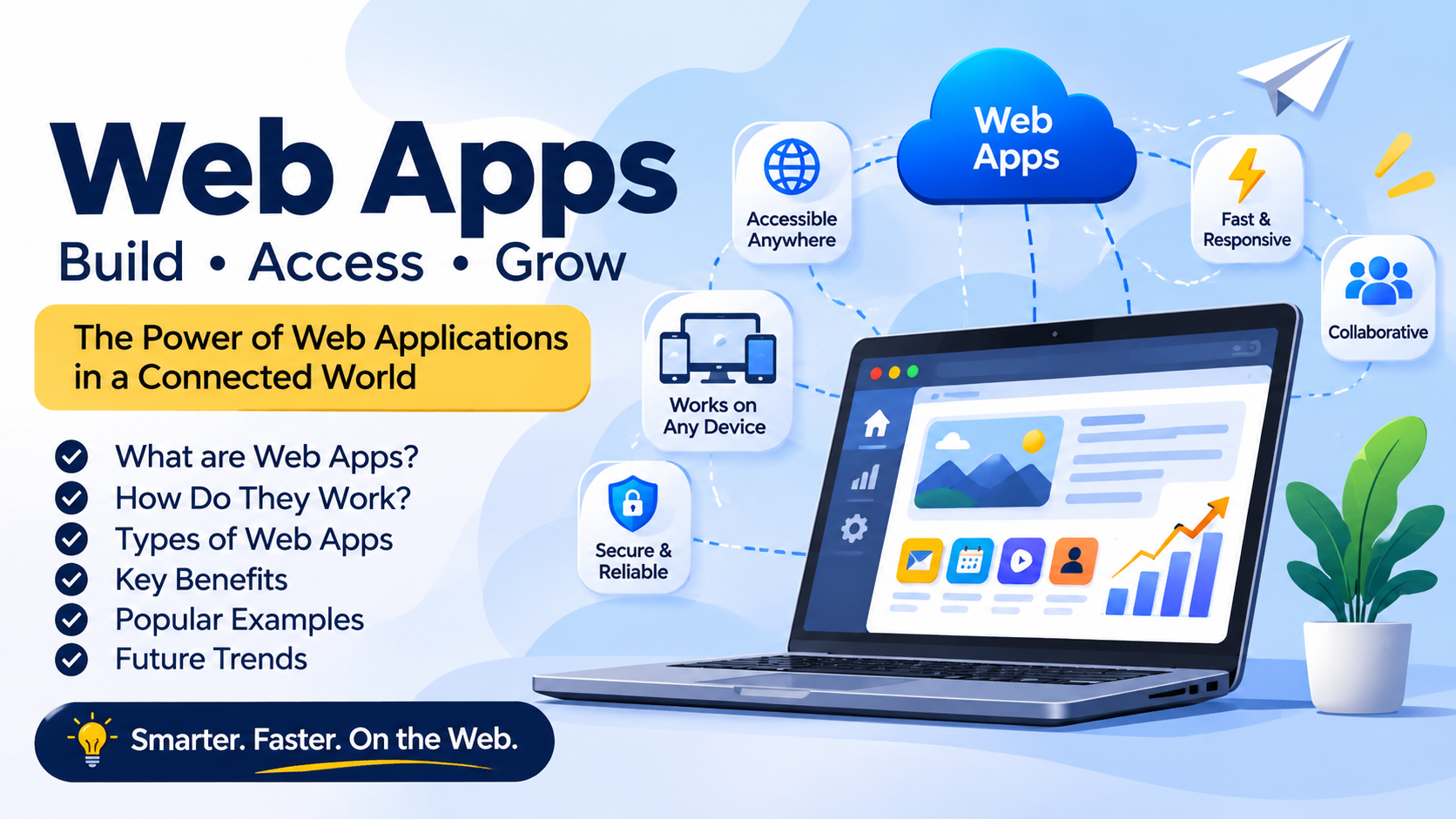
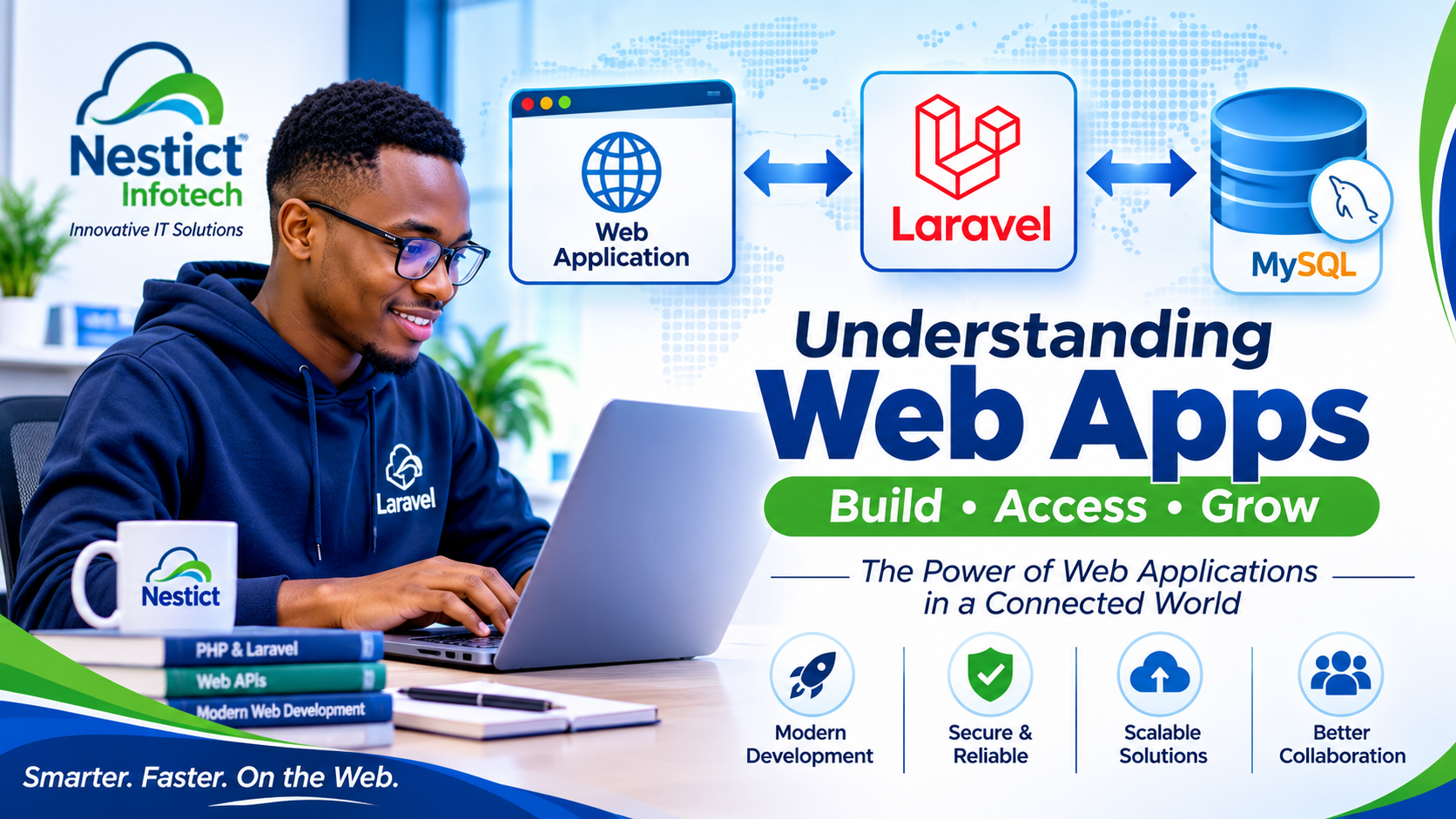
A modern web application consists of several interconnected components.
A typical architecture may contain:
- Frontend (browser interface).
- Backend (application logic).
- API layer.
- Database.
- External services.
Consider a Laravel application with a Vue.js frontend and MySQL database.
When a user creates a new branch, the following process takes place.
Illustration: Data Flow in a Web Application
       USER
        |
        |
        v
+----------------------+
|   FRONTEND           |
|   Vue.js / HTML      |
|                      |
| Branch Registration  |
| Form                 |
+----------------------+
        |
        | HTTP POST
        | JSON Payload
        v
+----------------------+
|   BACKEND            |
|   Laravel            |
|                      |
| 1. Receive Request   |
| 2. Validate Data     |
| 3. Process Payload   |
| 4. Generate UUID     |
+----------------------+
        |
        | Database Insert
        v
+----------------------+
|   MYSQL DATABASE     |
|                      |
|   branches table     |
+----------------------+
        |
        | Success / Error
        v
+----------------------+
|   API RESPONSE       |
|                      |
|   JSON Response      |
+----------------------+
        |
        v
+----------------------+
|   FRONTEND           |
|                      |
| Branch Created!      |
+----------------------+
The payload is the information moving through these components.
Notice that the payload can change during processing.
For example:
- The frontend sends branch information.
- Laravel adds a UUID.
- Laravel adds timestamps.
- The database stores the resulting record.
- Laravel returns a response containing the generated ID.
This is why understanding payloads is important when troubleshooting applications.
3. Understanding HTTP Request Payloads
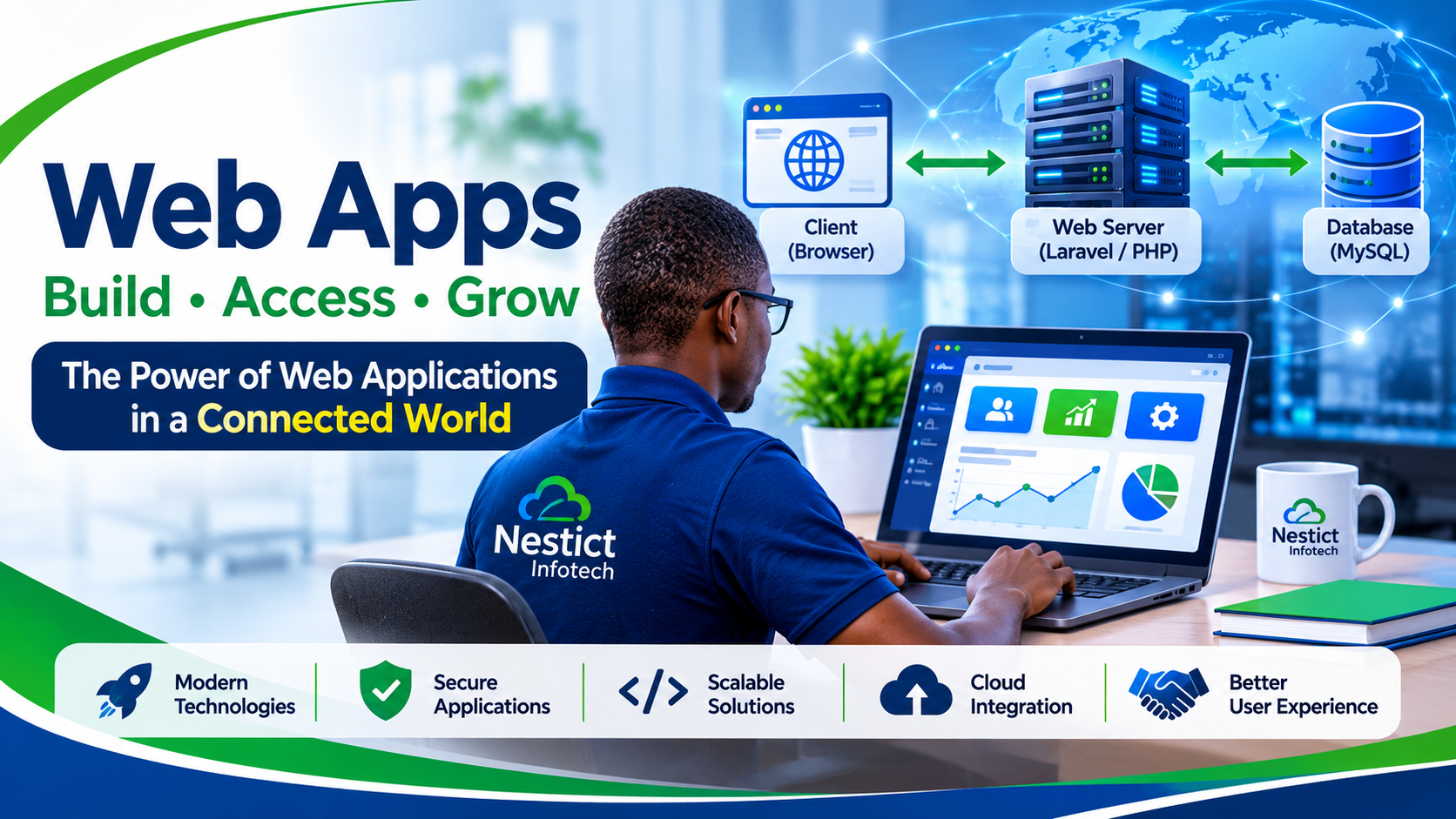
HTTP (Hypertext Transfer Protocol) is the communication protocol used by web applications to exchange information.
When a browser communicates with a server, it sends an HTTP request.
Common HTTP methods include:
| Method | Purpose | Typical use |
|---|---|---|
| GET | Retrieve information | Fetch branch records |
| POST | Submit or create information | Register a branch |
| PUT | Replace an existing resource | Update branch details |
| PATCH | Partially update a resource | Change branch status |
| DELETE | Remove a resource | Delete a branch |
Let's examine a POST request.
Example: Creating a Branch
POST /api/branches HTTP/1.1
Host: example.com
Content-Type: application/json
Accept: application/json
Authorization: Bearer YOUR_ACCESS_TOKEN
Payload:
{
    "code": "BSA",
    "name": "Busia Branch",
    "county_id": 40,
    "status": "active"
}
Here:
- POST specifies the operation.
/api/branchesidentifies the destination.- Content-Type specifies the data format.
- Authorization carries authentication credentials.
- The JSON object contains the payload.
The server receives the request and determines what to do with the submitted information.
What about GET requests?
A GET request normally retrieves information.
For example:
GET /api/branches/550e8400-e29b-41d4-a716-446655440000Instead of sending a creation payload, the client identifies the resource it wants to retrieve.
The server may respond with:
{
    "id": "550e8400-e29b-41d4-a716-446655440000",
    "code": "BSA",
    "name": "Busia Branch",
    "status": "active"
}
This is a response payload.
4. Understanding JSON Payloads
JSON stands for JavaScript Object Notation.
It is one of the most widely used formats for exchanging information between frontend applications, backend systems, APIs, and third-party services.
Example:
{
    "customer": {
        "name": "John Mwangi",
        "email": "john@example.com"
    },
    "account": {
        "type": "savings",
        "currency": "KES",
        "balance": 15000
    }
}
JSON supports several data types:
| Data type | Example |
|---|---|
| String | "name": "John" |
| Number | "balance": 15000 |
| Boolean | "active": true |
| Array | "roles": ["admin", "manager"] |
| Object | "customer": {"name": "John"} |
| Null | "middle_name": null |
JSON is particularly useful because it is lightweight, readable, and supported by virtually all modern programming languages.
You will encounter it in:
- Laravel APIs.
- Vue.js and React applications.
- Flutter applications.
- Mobile banking applications.
- Payment gateway integrations.
- Microservices.
- Cloud applications.
- SaaS platforms.
5. What Is a Payload in Laravel?
Let's move from theory to practical Laravel development.
Consider a Laravel application that manages company branches.
A user submits a registration form containing:
{
    "_token": "CSRF_TOKEN",
    "code": "BSA",
    "name": "Busia Branch",
    "county_id": "40",
    "sub_county": "Busia Town",
    "address": "Safaricom House 1st Floor",
    "phone": "0705042522",
    "email": "busia@nestict.com",
    "manager_name": "Tyson Sichei Tuikong",
    "status": "active"
}
Laravel can retrieve the submitted information using:
$payload = request()->all();This retrieves all submitted input, including _token where present.
However, accepting every submitted field is not always advisable.
A better approach is to explicitly select permitted fields:
$payload = request()->only([
    'code',
    'name',
    'county_id',
    'sub_county',
    'address',
    'phone',
    'email',
    'manager_name',
    'status'
]);
Now $payload contains only the fields that the application expects.
The variable $payload is simply a PHP array.
For example:
$payload = [
    'code' => 'BSA',
    'name' => 'Busia Branch',
    'county_id' => 40,
    'status' => 'active'
];
It is not a special Laravel keyword.
You could call it:
$data = [];or:
$branchData = [];But developers commonly use $payload to describe data packaged for processing or transmission.
6. Following a Payload Through Laravel
Let's examine the complete branch creation process.
Step 1: Receive the request
public function store(Request $request)
{
    $payload = $request->only([
        'code',
        'name',
        'county_id',
        'sub_county',
        'address',
        'phone',
        'email',
        'manager_name',
        'status'
    ]);
}
Laravel receives the request and extracts the permitted information.
Step 2: Validate the payload
Never assume that submitted information is correct.
A user could submit:
- An empty branch name.
- An invalid email address.
- A nonexistent county ID.
- An unsupported status.
- A duplicate branch code.
Use Laravel validation:
$validated = $request->validate([
    'code' => 'required|string|max:20|unique:branches,code',
    'name' => 'required|string|max:255',
    'county_id' => 'required|exists:counties,id',
    'sub_county' => 'nullable|string|max:255',
    'address' => 'nullable|string|max:500',
    'phone' => 'nullable|string|max:20',
    'email' => 'nullable|email|max:255',
    'manager_name' => 'nullable|string|max:255',
    'status' => 'required|in:active,inactive',
]);
Laravel returns validated information or produces a validation error.
Step 3: Generate a unique identifier
$id = (string) Str::uuid();A UUID is a universally unique identifier.
Example:
550e8400-e29b-41d4-a716-446655440000UUIDs are useful in distributed applications where different systems may generate records independently.
Step 4: Add system-generated information
$payload = $validated;

$payload['id'] = $id;
$payload['created_at'] = now();
$payload['updated_at'] = now();
The original payload has now been enriched with additional information.
Step 5: Save the payload
DB::table('branches')->insert($payload);Laravel inserts the array into the database.
Step 6: Return a response
return response()->json([
    'ok' => true,
    'message' => 'Branch created successfully.',
    'id' => $id
], 201);
The application responds with HTTP status code 201, meaning the resource was created.
The complete Laravel example
use Illuminate\Http\Request;
use Illuminate\Support\Facades\DB;
use Illuminate\Support\Str;

public function store(Request $request)
{
    $validated = $request->validate([
        'code' => 'required|string|max:20|unique:branches,code',
        'name' => 'required|string|max:255',
        'county_id' => 'required|exists:counties,id',
        'sub_county' => 'nullable|string|max:255',
        'address' => 'nullable|string|max:500',
        'phone' => 'nullable|string|max:20',
        'email' => 'nullable|email|max:255',
        'manager_name' => 'nullable|string|max:255',
        'status' => 'required|in:active,inactive',
    ]);

    $id = (string) Str::uuid();

    $payload = array_merge($validated, [
        'id' => $id,
        'created_at' => now(),
        'updated_at' => now(),
    ]);

    DB::table('branches')->insert($payload);

    return response()->json([
        'ok' => true,
        'message' => 'Branch created successfully.',
        'id' => $id
    ], 201);
}
This is a simplified implementation. Your database schema must support the specified columns and UUID format.
7. Payloads in Frontend Development: Vue.js and React
Payloads are not exclusive to backend development.
Frontend applications create and transmit payloads whenever users interact with application forms.
Consider a Vue.js application.
A user fills in a branch registration form.
The frontend may contain:
const branch = {
    code: 'BSA',
    name: 'Busia Branch',
    county_id: 40,
    sub_county: 'Busia Town',
    address: 'Safaricom House 1st Floor',
    phone: '0705042522',
    email: 'busia@nestict.com',
    manager_name: 'Tyson Sichei Tuikong',
    status: 'active'
};
This is a JavaScript object.
The frontend can send it to Laravel using Axios:
axios.post('/api/branches', branch)
    .then(response => {
        console.log(response.data);
    })
    .catch(error => {
        console.error(error.response?.data);
    });
The JavaScript object becomes the request payload.
Frontend-to-backend communication
+-------------------------+
|       VUE.JS            |
|                         |
| User fills registration |
| form                    |
+-------------------------+
            |
            |
            v
+-------------------------+
|     JAVASCRIPT          |
|                         |
| Creates branch object   |
|                         |
| {                       |
|   code: "BSA",           |
|   name: "Busia Branch"  |
| }                       |
+-------------------------+
            |
            |
            v
+-------------------------+
|      AXIOS              |
|                         |
| Sends HTTP POST request |
+-------------------------+
            |
            |
            v
+-------------------------+
|       LARAVEL           |
|                         |
| Receives JSON payload   |
| Validates and processes |
+-------------------------+
The same principle applies to React, Angular, Svelte, Flutter, and other frontend technologies.
The frontend collects data, structures it into a payload, and sends it to the backend.
8. Payloads in REST APIs
REST stands for Representational State Transfer.
REST APIs allow different applications to communicate through HTTP.
For example, imagine a company operates:
- A Laravel web application.
- A Flutter mobile application.
- A separate accounting application.
- A third-party reporting system.
All four systems may need access to the same branch information.
Rather than allowing every application to connect directly to the database, the company can expose a REST API.
Example endpoint:
https://example.com/api/branchesA mobile application can send:
POST /api/branches
Content-Type: application/json
Authorization: Bearer ACCESS_TOKEN
Payload:
{
    "code": "NKR",
    "name": "Nakuru Branch",
    "county_id": 32,
    "status": "active"
}
The Laravel application processes the request and returns:
{
    "success": true,
    "message": "Branch created successfully.",
    "data": {
        "id": "550e8400-e29b-41d4-a716-446655440000",
        "code": "NKR",
        "name": "Nakuru Branch",
        "status": "active"
    }
}
This architecture separates the user interface from the backend business logic.
The mobile application does not need to know how the database is structured.
It only needs to understand the API contract.
This is one of the foundations of modern software architecture.
9. Payloads in Webhooks
One of the most important practical applications of payloads is webhook communication.
A webhook is an automated HTTP notification sent from one application to another when a particular event occurs.
For example:
- A customer completes a payment.
- A new order is created.
- A subscription expires.
- A delivery status changes.
- A user account is suspended.
The system responsible for the event sends a payload to another application.
Example: M-Pesa Payment Notification
Imagine a customer pays KSh 2,500 through M-Pesa.
The payment service notifies your Laravel application.
A simplified illustrative webhook payload might look like:
{
    "event": "payment.completed",
    "transaction": {
        "reference": "QWE123456",
        "amount": 2500,
        "currency": "KES",
        "phone": "254705042522",
        "status": "completed"
    },
    "customer": {
        "name": "John Mwangi"
    }
}
Your application receives the payload and performs operations such as:
- Verify the webhook's authenticity.
- Check the transaction reference.
- Confirm the payment amount.
- Prevent duplicate transaction processing.
- Update the customer's account.
- Generate a receipt.
- Notify the customer.
Webhook communication illustration
+----------------------+
| CUSTOMER             |
|                      |
| Pays KSh 2,500       |
+----------------------+
           |
           v
+----------------------+
| PAYMENT PROVIDER     |
|                      |
| Processes payment    |
+----------------------+
           |
           | Payment event
           | JSON payload
           v
+----------------------+
| LARAVEL WEBHOOK      |
|                      |
| Receives notification|
| Verifies authenticity|
+----------------------+
           |
           v
+----------------------+
| BUSINESS APPLICATION |
|                      |
| Updates transaction  |
| Updates account      |
| Generates receipt    |
+----------------------+
Important: The example above is illustrative, not an actual Safaricom Daraja callback schema. Real integrations must follow the payment provider's documented request structure and verification requirements.
Webhooks are particularly important in financial applications because payment notifications must be handled accurately and securely.
10. Payloads in Database Operations
A payload can also refer to the data prepared for a database operation.
Consider a MySQL table called branches.
CREATE TABLE branches (
    id CHAR(36) PRIMARY KEY,
    code VARCHAR(20) NOT NULL UNIQUE,
    name VARCHAR(255) NOT NULL,
    county_id BIGINT UNSIGNED NOT NULL,
    sub_county VARCHAR(255),
    address TEXT,
    phone VARCHAR(20),
    email VARCHAR(255),
    manager_name VARCHAR(255),
    status VARCHAR(20),
    created_at TIMESTAMP NULL,
    updated_at TIMESTAMP NULL
);
A Laravel payload might be:
$payload = [
    'id' => '550e8400-e29b-41d4-a716-446655440000',
    'code' => 'BSA',
    'name' => 'Busia Branch',
    'county_id' => 40,
    'sub_county' => 'Busia Town',
    'address' => 'Safaricom House 1st Floor',
    'phone' => '0705042522',
    'email' => 'busia@nestict.com',
    'manager_name' => 'Tyson Sichei Tuikong',
    'status' => 'active',
    'created_at' => now(),
    'updated_at' => now(),
];
Laravel can use this payload to perform different operations.
INSERT
DB::table('branches')->insert($payload);UPDATE
DB::table('branches')
    ->where('id', $id)
    ->update([
        'name' => 'Busia Main Branch',
        'status' => 'active',
        'updated_at' => now()
    ]);
UPSERT
DB::table('branches')->upsert(
    [$payload],
    ['code'],
    ['name', 'address', 'phone', 'status', 'updated_at']
);
An upsert inserts a record when it does not exist or updates selected fields when a matching record already exists.
The payload is the data supplied to the database operation.
11. Payloads and File Uploads
Payloads are not always simple JSON objects.
Consider an application that allows users to upload profile pictures, identification documents, invoices, or reports.
The application may use multipart/form-data.
Example:
POST /api/documents HTTP/1.1
Content-Type: multipart/form-data
The request can contain:
document_name: National ID
document_type: identification
file: national-id.pdf
Unlike a standard JSON payload, multipart requests can carry binary file content alongside normal text fields.
Laravel example:
$request->validate([
    'document_name' => 'required|string|max:255',
    'document_type' => 'required|string',
    'file' => 'required|file|mimes:pdf,jpg,png|max:5120'
]);

$path = $request->file('file')
    ->store('documents', 'private');
The application validates the uploaded file and stores it.
This is particularly useful for:
- School admission applications.
- SACCO membership registration.
- Employee onboarding.
- Insurance claims.
- Loan applications.
- Customer verification.
12. Payloads in Authentication and Authorization
Payloads also appear during authentication.
Consider a login request.
The frontend sends:
{
    "email": "admin@example.com",
    "password": "YOUR_PASSWORD"
}
The backend checks the submitted credentials.
If authentication succeeds, an API-based application might return:
{
    "success": true,
    "message": "Login successful.",
    "user": {
        "id": 15,
        "name": "System Administrator",
        "email": "admin@example.com",
        "role": "admin"
    },
    "token": "ISSUED_ACCESS_TOKEN"
}
The response contains a user object and an access token.
Subsequent API requests can use that token in the HTTP Authorization header.
For example:
Authorization: Bearer ACCESS_TOKENAn important distinction:
Authentication establishes who the user is.
Authorization determines what the authenticated user is permitted to do.
Never assume that a user is authorized simply because their payload contains:
{
    "role": "admin"
}
Roles and permissions must be determined and enforced by the trusted backend.
13. Payload Security: What Developers Must Watch Out For
Payloads are a common source of application vulnerabilities when developers trust submitted data without proper verification.
Here are some important security considerations.
A. Never trust client-side data
A user can modify browser requests using developer tools, browser extensions, or API testing tools.
For example, the frontend may send:
{
    "name": "John Mwangi",
    "role": "admin"
}
If the application blindly accepts this payload, an ordinary user might attempt to elevate their privileges.
Never allow the client to determine privileged fields without server-side authorization.
B. Validate all incoming data
Laravel provides validation rules:
$request->validate([
    'email' => 'required|email',
    'amount' => 'required|numeric|min:1',
    'status' => 'required|in:active,inactive'
]);
Validation ensures that submitted data meets expected requirements.
C. Prevent mass assignment vulnerabilities
Laravel Eloquent provides $fillable and $guarded.
Example:
class Branch extends Model
{
    protected $fillable = [
        'code',
        'name',
        'county_id',
        'sub_county',
        'address',
        'phone',
        'email',
        'manager_name',
        'status'
    ];
}
Only permitted fields should be mass assignable.
Sensitive fields such as is_admin, privileged permissions, or internal approval flags should not be casually included in user-controlled payloads.
D. Protect sensitive information
Never unnecessarily expose:
- Passwords.
- API secrets.
- Private access tokens.
- Database credentials.
- Payment security credentials.
- Personal information.
Avoid logging complete authentication and payment payloads where they contain sensitive information.
E. Verify webhooks
Payment and third-party webhook endpoints must verify the authenticity of incoming notifications using the provider's supported signature or authentication mechanism.
Do not automatically trust a payment notification simply because it contains:
{
    "status": "completed"
}
An attacker could attempt to send a forged notification.
F. Protect against duplicate submissions
Imagine a payment provider sends the same successful payment notification twice.
Without proper handling, the application might credit a customer's account twice.
Use transaction references, database unique constraints, and idempotent processing.
Idempotency means that processing the same operation multiple times does not produce unintended duplicate effects.
14. Understanding Payloads Through Postman
Developers frequently use API testing tools to inspect request and response payloads.
One popular example is Postman.
Imagine you want to create a branch using a Laravel API.
Open Postman and configure:
Method:
POSTURL:
https://example.com/api/branchesHeaders:
Content-Type: application/json
Accept: application/json
Authorization: Bearer YOUR_ACCESS_TOKEN
Body → Raw → JSON:
{
    "code": "KSM",
    "name": "Kisumu Branch",
    "county_id": 42,
    "sub_county": "Kisumu Central",
    "address": "Kisumu CBD",
    "phone": "0712345678",
    "email": "kisumu@example.com",
    "manager_name": "Mary Achieng",
    "status": "active"
}
Click Send.
Postman transmits the payload to the Laravel application.
You can inspect:
- The outgoing request.
- Request headers.
- Request body.
- Response body.
- HTTP status code.
- Response headers.
- Request execution time.
This makes Postman useful when debugging API integrations independently of the frontend.
Other useful tools include cURL, Insomnia, browser developer tools, and Laravel logs.
15. Common Payload Errors and How to Troubleshoot Them
A payload can be syntactically correct but still fail when processed by the backend.
Consider these examples.
| Error | Possible cause | Solution |
|---|---|---|
| 400 Bad Request | Invalid request structure | Inspect payload format |
| 401 Unauthorized | Missing or invalid authentication | Check access token |
| 403 Forbidden | Insufficient permissions | Check authorization |
| 404 Not Found | Incorrect endpoint | Verify API route |
| 409 Conflict | Duplicate or conflicting data | Check uniqueness constraints |
| 422 Unprocessable Entity | Validation failure | Inspect validation errors |
| 500 Internal Server Error | Backend exception | Inspect Laravel logs |
| SQLSTATE error | Database constraint or schema issue | Check table structure and query |
For Laravel, examine application logs using:
tail -f storage/logs/laravel.logYou can also inspect the request data during development:
dd($request->all());Or:
logger()->info('Incoming branch payload', [
    'payload' => $request->except([
        'password',
        'token',
        '_token'
    ])
]);
Avoid dumping or logging sensitive information in production.
16. Payloads in Modern Software Architecture
As applications become larger, payloads become even more important.
Consider a modern enterprise application with the following components:
- Laravel backend.
- Vue.js administration dashboard.
- Flutter mobile application.
- MySQL database.
- Redis cache.
- Payment gateway.
- Email notification service.
- External accounting API.
Each component exchanges information with other components.
For example:
                    USERS
                      |
             +--------+--------+
             |                 |
             v                 v
       VUE.JS WEB         FLUTTER APP
             |                 |
             +--------+--------+
                      |
                      v
                LARAVEL API
                      |
         +------------+------------+
         |            |            |
         v            v            v
       MYSQL        REDIS       QUEUES
         |                         |
         |                         v
         |                  BACKGROUND JOBS
         |                         |
         |             +-----------+-----------+
         |             |                       |
         |             v                       v
         |       PAYMENT GATEWAY          EMAIL SERVICE
         |             |
         +-------------+
Payloads travel between these components to communicate events, exchange information, and execute business operations.
In distributed systems, developers must also consider:
- Payload size.
- Data serialization.
- API versioning.
- Authentication.
- Message delivery.
- Retry mechanisms.
- Duplicate processing.
- Data consistency.
- Compatibility between systems.
For example, changing an API field from:
{
    "customer_name": "John Mwangi"
}
to:
{
    "name": "John Mwangi"
}
might break mobile applications or third-party systems that still expect customer_name.
This is why API payload structures should be documented and versioned carefully.
17. Practical Example: Payloads in a SACCO Management System
Let's bring everything together with an enterprise application.
Imagine developing a SACCO management system with the following modules:
- Member registration.
- Savings accounts.
- Deposits.
- Withdrawals.
- Loan applications.
- Loan approvals.
- Repayments.
- Guarantors.
- Dividends.
- Financial reporting.
When a member deposits KSh 5,000 through an integrated payment service, the application may receive a payload containing:
{
    "event": "deposit.completed",
    "member": {
        "member_number": "SAC00125"
    },
    "transaction": {
        "reference": "MPESA123456",
        "amount": 5000,
        "currency": "KES",
        "channel": "mpesa",
        "status": "completed"
    },
    "account": {
        "account_number": "SAV00125",
        "account_type": "normal_savings"
    }
}
The backend processes the payload and:
- Identifies the member.
- Confirms the account exists.
- Verifies the transaction.
- Checks whether it has already been processed.
- Records the deposit.
- Updates the account balance.
- Creates the accounting entries.
- Generates a transaction receipt.
- Sends an SMS notification.
This illustrates why payload design is not merely a programming detail.
It directly affects financial accuracy, system integration, security, and business operations.
For financial applications, the transaction and accounting operations should be handled atomically, with appropriate database transactions and reconciliation controls.
18. Best Practices for Designing Good Payloads
Developers should follow these principles when designing payload structures.
1. Use meaningful field names.
Prefer:
{
    "member_number": "SAC00125"
}
Instead of:
{
    "m_no": "SAC00125"
}
2. Maintain consistent naming conventions.
If your API uses snake_case, avoid randomly switching to camelCase.
3. Keep payloads relevant.
Only transmit information needed for the operation.
4. Validate at the backend.
Frontend validation improves user experience, but backend validation enforces data integrity.
5. Use appropriate data types.
For example:
{
    "amount": 5000,
    "status": "active",
    "verified": true
}
6. Handle optional fields correctly.
Distinguish between:
{
    "middle_name": null
}
and an omitted middle_name field.
They may have different meanings.
7. Document API payload structures.
Use OpenAPI/Swagger or another API documentation standard.
8. Version important APIs.
For example:
/api/v1/branches
/api/v2/branches
9. Implement secure authentication.
Protect endpoints against unauthorized requests.
10. Make important operations idempotent.
Especially payments, account credits, order processing, and webhook notifications.
19. Payload vs Request vs Response: Understanding the Difference
These terms are sometimes used interchangeably, but they describe different things.
| Concept | Meaning |
|---|---|
| Request | The complete communication sent by a client |
| Request headers | Metadata describing the request |
| Request body | The content carried by the request |
| Request payload | The actual data being submitted |
| Response | The communication returned by the server |
| Response body | The content returned |
| Response payload | The data returned to the client |
Consider this simplified example:
CLIENT REQUEST
      |
      +---- HTTP Method: POST
      |
      +---- URL: /api/branches
      |
      +---- Headers
      |       Content-Type: application/json
      |
      +---- Payload
              {
                  "code": "BSA",
                  "name": "Busia Branch"
              }
The server responds:
SERVER RESPONSE
      |
      +---- HTTP Status: 201
      |
      +---- Headers
      |       Content-Type: application/json
      |
      +---- Response Payload
              {
                  "success": true,
                  "message": "Branch created"
              }
The request is the complete communication package.
The payload is the data carried inside it.
20. Final Thoughts: Why Every Developer Should Understand Payloads
Payloads are everywhere in modern application development.
They connect frontend interfaces to backend services, allow mobile applications to communicate with servers, facilitate payment processing, enable webhook integrations, and support communication between independent software systems.
If you understand payloads, you will find it easier to:
- Build REST APIs.
- Develop Laravel applications.
- Integrate Vue.js and React frontends.
- Connect Flutter applications to backend services.
- Integrate M-Pesa and other payment gateways.
- Troubleshoot HTTP errors.
- Debug database operations.
- Design scalable enterprise applications.
- Build secure microservices.
- Understand how third-party integrations work.
The next time you encounter:
DB::table('branches')->insert($payload);you should understand exactly what is happening.
The application has prepared a collection of data, packaged it into a variable, and supplied it to a database operation.
A payload is the information being carried. The application determines where it goes, how it is processed, and what happens next.
That simple concept is one of the building blocks of modern web development.
Recommended Developer Resources
For further learning, explore these official documentation resources:
- Laravel HTTP Requests: https://laravel.com/docs/requests
- Laravel Validation: https://laravel.com/docs/validation
- Laravel HTTP Client: https://laravel.com/docs/http-client
- MDN HTTP Overview: https://developer.mozilla.org/en-US/docs/Web/HTTP
- MDN JSON Guide: https://developer.mozilla.org/en-US/docs/Learn_web_development/Core/Scripting/JSON
- Postman API Documentation: https://learning.postman.com/
- OpenAPI Specification: https://spec.openapis.org/oas/latest.html