Mastering Microsoft Excel Formulas

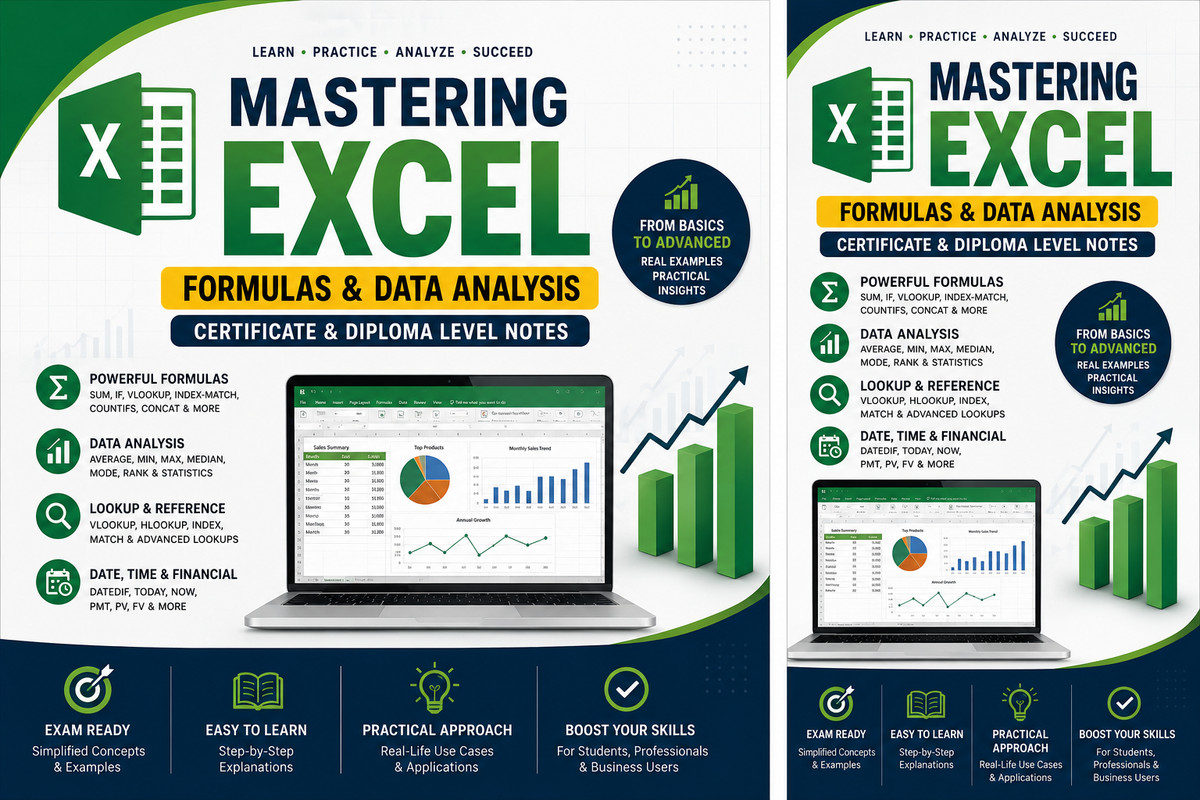
Certificate & Diploma Level Notes with Examples and Analysis
Microsoft Excel is not just a spreadsheet tool; it is a data analysis engine used in accounting, finance, research, education, and decision-making. This guide transforms a simple checklist of Excel formulas into structured, exam-ready notes suitable for Certificate and Diploma level learners.
Whether you are preparing for assessments or strengthening workplace skills, this article walks you through key Excel functions, illustrations, and practical analysis.
1. Summation Functions
SUM
Adds values within a range.
Syntax
=SUM(number1, number2, ...)
Example
=SUM(A1:A5)
Certificate Focus
- Totals for marks, expenses, sales
Diploma Analysis
- Can be nested inside IF, SUMIF, SUBTOTAL
- Efficient for large datasets
SUMIF (Single Condition)
Adds values that meet one criterion.
=SUMIF(range, criteria, sum_range)
Example
=SUMIF(A1:A10,"Pen",B1:B10)
Used when analyzing sales per item, department, or category.
SUMIFS (Multiple Conditions)
Adds values based on multiple conditions.
=SUMIFS(sum_range, criteria_range1, criteria1, ...)
Diploma Use
- Payroll processing
- Sales analysis by region and date
2. Data Analysis & Statistics
AVERAGE
Finds the mean of values.
=AVERAGE(A1:A10)
⚠️ Sensitive to extreme values (outliers).
AVERAGEIF / AVERAGEIFS
Averages only values that meet conditions.
=AVERAGEIF(A1:A10,">50")
MIN & MAX
=MIN(A1:A10)
=MAX(A1:A10)
Used to find lowest and highest scores, prices, or temperatures.
RANK
Ranks values within a dataset.
=RANK(A1, A1:A10)
Diploma Application
- Student ranking
- Sales performance analysis
MEDIAN & MODE
=MEDIAN(A1:A10)
=MODE(A1:A10)
- Median reduces distortion from outliers
- Mode identifies most frequent values
3. Numeric Manipulation
ROUND & POWER
=ROUND(A1,2)
=POWER(5,2)
Used in financial accuracy and scientific calculations.
CEILING & FLOOR
=CEILING(12.3,1)
=FLOOR(12.9,1)
Useful for packaging, pricing, and budgeting.
4. Lookup & Reference Functions
VLOOKUP
=VLOOKUP(A1, A2:C10, 2, FALSE)
Limitations
- Only searches left to right
- Breaks if columns move
HLOOKUP
Used when data is arranged horizontally.
INDEX & MATCH (Advanced)
=INDEX(B2:B10, MATCH(E1, A2:A10, 0))
✅ More flexible than VLOOKUP
✅ Preferred in professional models
5. Counting (Censual) Data
COUNT & COUNTA
=COUNT(A1:A10)
=COUNTA(A1:A10)
COUNTBLANK
=COUNTBLANK(A1:A10)
COUNTIF / COUNTIFS
=COUNTIF(A1:A10,"Yes")
LEN
Counts characters in a cell.
=LEN(A1)
Used for ID validation and data cleaning.
6. Data Combination
CONCAT / CONCATENATE
=CONCAT(A1," ",B1)
Combines names, codes, and labels.
7. Character Manipulation
SUBSTITUTE & REPLACE
=SUBSTITUTE(A1,"-","/")
=REPLACE(A1,1,4,"2026")
LEFT, RIGHT & MID
=LEFT(A1,4)
=RIGHT(A1,2)
=MID(A1,2,3)
Used for extracting codes and IDs.
UPPER, LOWER & PROPER
=UPPER(A1)
=LOWER(A1)
=PROPER(A1)
Essential for formatting professional reports.
8. Data Sampling
SUBTOTAL
Calculates values on filtered data only.
=SUBTOTAL(9, A1:A10)
| Function Code | Meaning |
|---|---|
| 9 | SUM |
| 1 | AVERAGE |
Diploma Insight
- Used in dashboards
- Ignores hidden rows
9. Conditional Analysis
IF Function
=IF(A1>=50,"Pass","Fail")
Diploma Level
- Nested IF statements
- Logical decision modeling
10. Periodic (Date & Time) Functions
DATEDIF
=DATEDIF(A1, B1, "Y")
Used to calculate age, service duration, and contracts.
TODAY & NOW
=TODAY()
=NOW()
Volatile functions that update automatically.
11. Non-Visible Data
MOD
=MOD(10,3)
Used to identify even/odd numbers and scheduling patterns.
12. Financial Functions
PMT (Loan Repayment)
=PMT(rate, nper, pv)
PV (Present Value)
=PV(rate, nper, pmt)
FV (Future Value)
=FV(rate, nper, pmt)
Diploma Application
- Banking
- SACCOs
- Investment modeling
Excel mastery is not about memorizing formulas; it is about choosing the right function to answer the right question. These notes provide a solid foundation for TVET, college, and professional learners.
📌 Practice regularly. Combine functions. Analyze results.