What is the new mpesa org login portal?

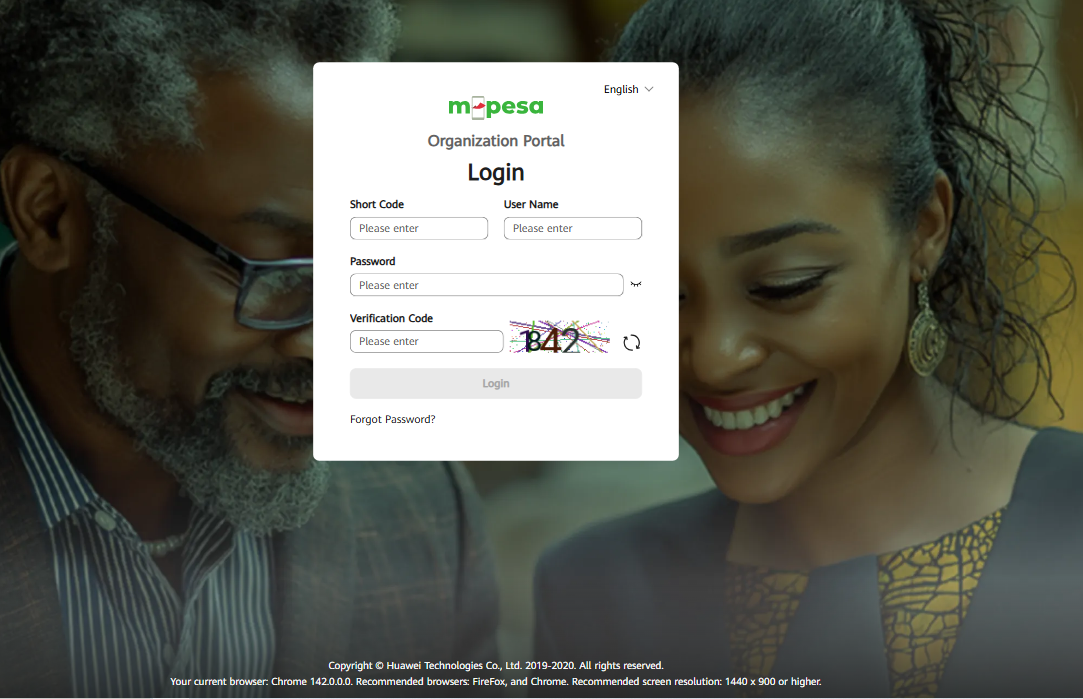
The official M-Pesa organization portal for businesses is located at https://org.ke.m-pesa.com. Businesses with an active M-Pesa shortcode can use this portal to manage their M-Pesa services, including B2B, B2C, and bulk payments. After registration, a Business Administrator is created by Safaricom and provides login credentials to the organization.
How to access the M-Pesa organization portal:
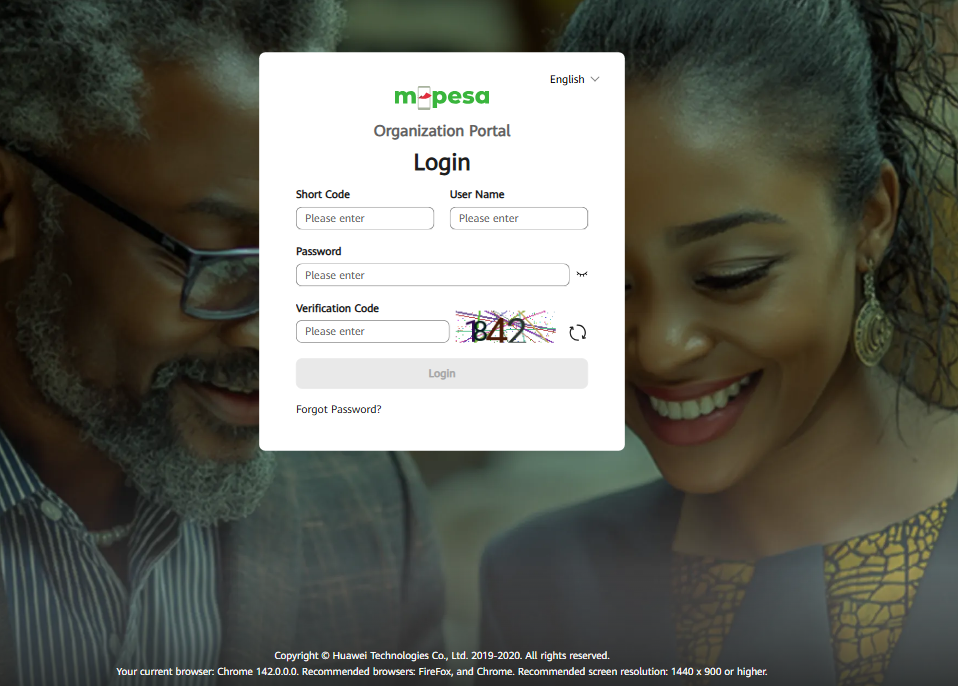
- Ensure you have an active M-Pesa shortcode: (PayBill or Till number) and a Business Administrator role assigned by Safaricom.
- Visit the portal: by launching a web browser and going to https://org.ke.m-pesa.com.
- Enter the required login details: that were provided to your organization's Business Administrator.
Key features of the M-Pesa portal:
- Initiate and manage transactions: Allows for B2B, B2C, and bulk payments.
- Monitor balances: Provides access to account statements and balances.
- User role management: Enables assignment of different roles (e.g., Business Web Operator, Business Manager) to users within the organization.