Adobe Acrobat Reader DC Offline Installer – Complete Download & Installation Guide (Windows & macOS)

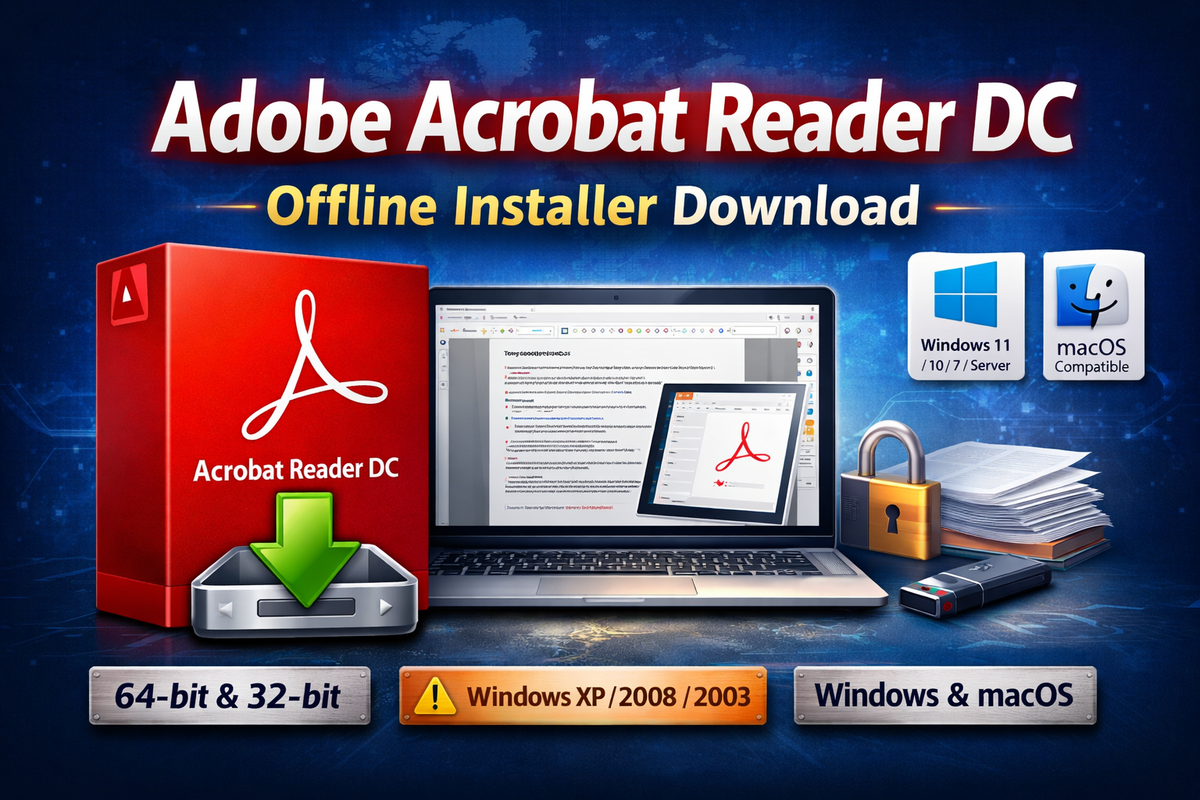
Adobe Acrobat Reader DC remains the industry-standard PDF reader for viewing, printing, annotating, and digitally signing PDF documents. For system administrators, enterprises, schools, and users with limited or unreliable internet connectivity, offline installers (also known as standalone installers) are the preferred deployment option.
This article provides updated details on the latest Adobe Acrobat Reader DC offline installers, supported operating systems, and direct options for legacy Windows platforms that are no longer supported by modern Adobe releases.
Why Use Adobe Acrobat Reader DC Offline Installer?
Unlike the web (online) installer, the offline installer includes all required installation files in a single package. This makes it ideal for:
- Bulk installations across multiple PCs
- Offline or low-bandwidth environments
- Enterprise deployments and imaging
- Avoiding repeated downloads on each system
- Controlled IT rollouts using Group Policy or SCCM
Latest Adobe Acrobat Reader DC Offline Installers
Below are the current standalone installers for Adobe Acrobat Reader DC:
🔹 Windows Offline Installers
- Adobe Acrobat Reader DC 25.001.21184
- Platform: Windows (64-bit)
- File Size: 841.61 MB
- Recommended for: Windows 11, Windows 10, Windows Server editions
- Adobe Acrobat Reader DC 25.001.21111
- Platform: Windows (32-bit)
- File Size: 745.18 MB
- Recommended for: Legacy 32-bit Windows systems
🔹 macOS Offline Installer
- Adobe Acrobat Reader DC 25.001.21184
- Platform: macOS
- File Size: 732 MB
- Compatible with modern macOS versions supported by Adobe
Adobe Acrobat Reader DC 25.001.21184 Offline Installer (Windows) (64-bit) (841.61 MB)
Adobe Acrobat Reader DC 25.001.21111 Offline Installer (Windows) (32-bit) (745.18 MB)
Adobe Acrobat Reader DC 25.001.21184 Offline Installer (MacOS) (732 MB)
Supported Operating Systems
The above Adobe Acrobat Reader DC offline installers support both 32-bit and 64-bit architectures on the following platforms:
✅ Supported Windows Versions
- Windows 11
- Windows 10
- Windows 8 / 8.1
- Windows 7
- Windows Server 2019
- Windows Server 2016
- Windows Server 2012 / 2012 R2
⚠️ Note: Windows 7 and Windows 8 are no longer supported by Microsoft. Use them only in isolated or legacy environments.
Adobe Reader for Older / Legacy Windows Versions
Modern Adobe Acrobat Reader DC releases do not support obsolete operating systems such as Windows XP or older Windows Server editions. If you are still running these systems, you must use legacy Adobe Reader versions.
🔸 Windows XP (SP2 / SP3)
- Adobe Reader 11.0.8.4 Offline Installer
- Architecture: 32-bit
- File Size: 73.40 MB
- Compatible with:
- Windows XP SP2
- Windows XP SP3 (64-bit)
🔸 Windows Server 2008 / 2008 R2 / 2003
- Adobe Reader 11.0.10.32 Offline Installer
- File Size: 72.34 MB
- Compatible with:
- Windows Server 2003
- Windows Server 2008
- Windows Server 2008 R2
⚠️ Security Advisory: These legacy versions no longer receive security updates. Use them strictly in controlled environments and avoid opening untrusted PDF files.
How to Install Adobe Acrobat Reader DC Using Offline Installer
Step-by-Step Installation (Windows)
- Download the appropriate 32-bit or 64-bit offline installer
- Right-click the installer and select Run as Administrator
- Follow the on-screen setup instructions
- Complete installation and restart if prompted
Silent Installation (Enterprise Use)
For automated or bulk installations, Adobe supports silent install parameters:
AcroRdrDCx64.exe /sAll /rs /msi /norestart
This is ideal for:
- Group Policy deployment
- SCCM
- Imaging systems
- Remote installations
Key Features of Adobe Acrobat Reader DC
- Open and view PDF files
- Add comments, highlights, and annotations
- Fill and sign PDF forms
- Print high-quality documents
- Validate digital signatures
- Integration with Adobe Document Cloud (optional)
Offline Installer vs Online Installer
| Feature | Offline Installer | Online Installer |
|---|---|---|
| Internet required during install | ❌ No | ✅ Yes |
| File size | Large | Small |
| Suitable for multiple PCs | ✅ Yes | ❌ No |
| Enterprise deployment | ✅ Yes | ❌ Limited |
| Reliable on slow networks | ✅ Yes | ❌ No |
Keeping Adobe Reader Updated
We will continuously update this page with the latest Adobe Acrobat Reader DC offline installers whenever Adobe releases a new version.
For security and compatibility reasons, always:
- Use the latest supported version
- Uninstall obsolete builds
- Avoid legacy versions unless absolutely necessary
Final Notes
Adobe Acrobat Reader DC remains the most trusted PDF reader worldwide, and using the offline installer ensures stability, control, and efficiency—especially in professional and enterprise environments.
If you manage multiple systems or operate in bandwidth-constrained regions, the standalone installer is the recommended approach.